The problem with product thumbnails
Retailers compress product images aggressively. A listing page may show a 200 × 200 px thumbnail for an item whose packaging, material, or connector detail matters to your purchase decision. The native browser zoom enlarges the whole page; the retailer's built-in zoom (where it exists) works only on their own image carousel. Neither option helps when you are scanning a search results page with dozens of items.
Click Image Zoom works at the browser level, so it applies to any image on any page you can load in Chrome — product grids, search results, comparison tables, and review photos alike.
How the shopping workflow works
- Install Click Image Zoom from the Chrome Web Store.
- Choose your activation key — Shift, Alt, Ctrl, or Command — in the extension settings.
- Hold the key and click any product image. The in-page viewer opens immediately; the page stays in place.
- Scroll to zoom up to 10x. Drag to pan across the image.
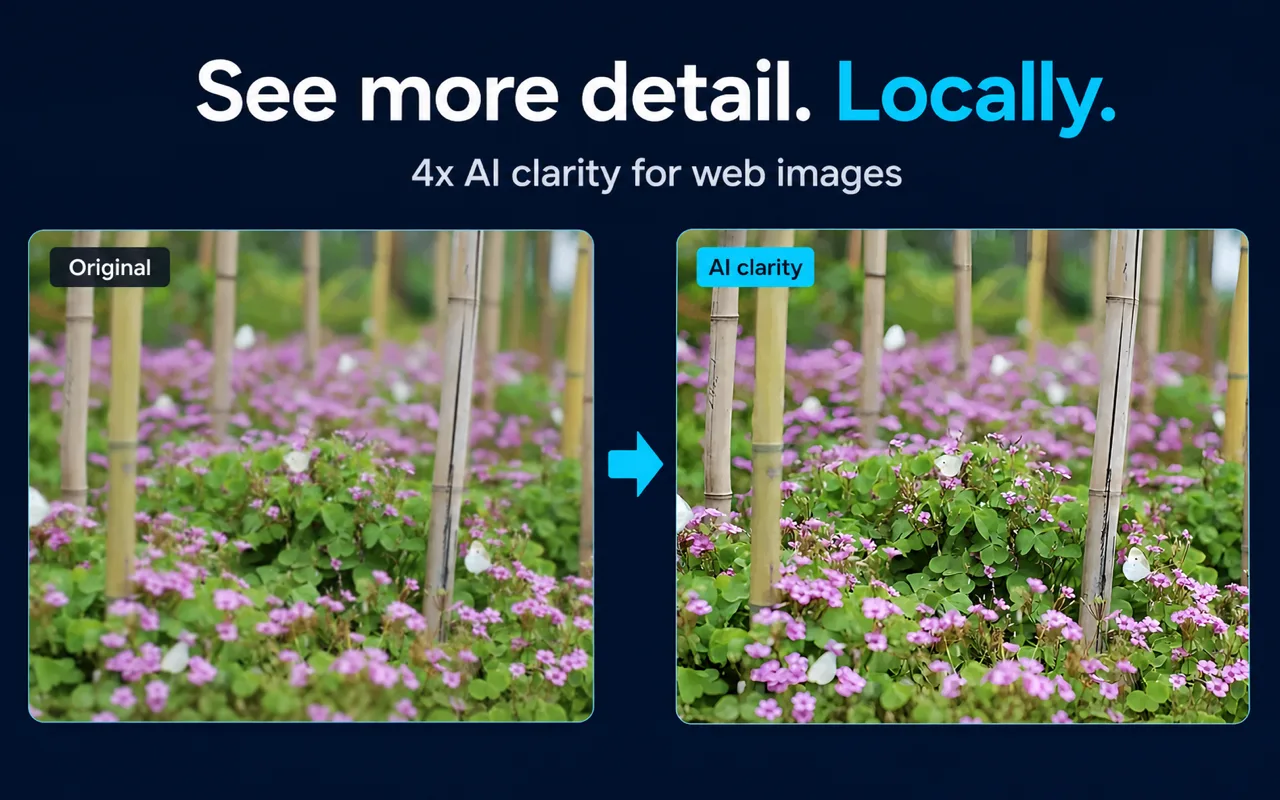
- Optionally trigger AI enhancement. The extension runs Real-ESRGAN locally on your device at 4x scale. Choose speed-first for a quick pass or quality-first for a more detailed result.
- Close the viewer and continue browsing. No tab was opened; your scroll position is unchanged.
No account is required for this workflow.
What you can realistically inspect
| Detail type | What zoom helps with | Honest ceiling |
|---|
| Fabric / material texture | Weave pattern, surface finish | Cannot confirm fiber content or weight |
| Label and packaging text | Ingredient lists, warning text, model numbers | Heavily compressed source images may remain unreadable |
| Connector and port layout | USB-A vs USB-C, pin count, spacing | Cannot confirm electrical spec |
| Color accuracy | Shade comparison across listings | Monitor calibration and source compression both affect color |
| Stitching and seams | Stitch density, edge finishing | Cannot confirm thread strength |
Important: AI enhancement improves visible clarity but cannot recover reliable factual detail that never existed in the source image. Use it as a viewing aid, not as evidence for a purchase decision. Always verify critical specifications in the product description or by contacting the seller.
A note on specific retailers
If Amazon is part of your shopping workflow, test the extension against the current product pages you use before relying on it. Click Image Zoom does not control how Amazon or any other retailer stores and serves images, and this page does not claim verified site-specific support.
Key facts
| Fact | Value | Source |
|---|
| Activation choices | Shift, Alt, Ctrl, or Command + click | Product documentation, verified 2026-07-29 |
| Maximum viewer zoom | 10x | Product documentation, verified 2026-07-29 |
| AI enhancement scale | 4x (Real-ESRGAN, local) | Product documentation, verified 2026-07-29 |
| Processing modes | Speed-first / quality-first | Product documentation, verified 2026-07-29 |
| Image pixels sent to cloud AI | 0 | Product documentation, verified 2026-07-29 |
| Account required | No (core workflow) | Product documentation, verified 2026-07-29 |
| Fallback when AI unavailable | Viewer, zoom, pan, standard clarity mode remain usable | Product documentation, verified 2026-07-29 |
Frequently asked questions
Does the extension upload my product images to a server? No. The AI enhancement runs locally on your device using Real-ESRGAN. Image pixels are not uploaded to a cloud AI service.
Will it work on every shopping site? The extension operates at the browser level and can open any image you can load in Chrome. Whether a specific site's images respond well to zoom depends on the resolution the site serves. No site-specific compatibility is guaranteed.
Can I use it without enabling AI enhancement? Yes. The viewer, 10x zoom, and pan controls work independently. AI enhancement is optional: trigger it manually or configure automatic triggering when opening an image or first zooming in.
What if AI processing is unavailable on my device? The extension falls back gracefully. The viewer, normal zoom, pan, and standard clarity mode remain usable.
Does it work on image search results pages? Yes — see the related page on image search workflows.
Is there a limit on image size for AI processing? You can set a maximum local AI processing size in the extension settings to manage device resource use.
Related guides
Sources and scope
Facts on this page are drawn from Click Image Zoom product documentation and the official Chrome Web Store listing. Retailer-specific compatibility, including Amazon compatibility, has not been independently verified.
Last reviewed: July 31, 2026