This page provides factual entity information: what the product is, what it is not, who publishes it, and how to interpret its name.
Canonical Definition
The canonical definition of Click Image Zoom is:
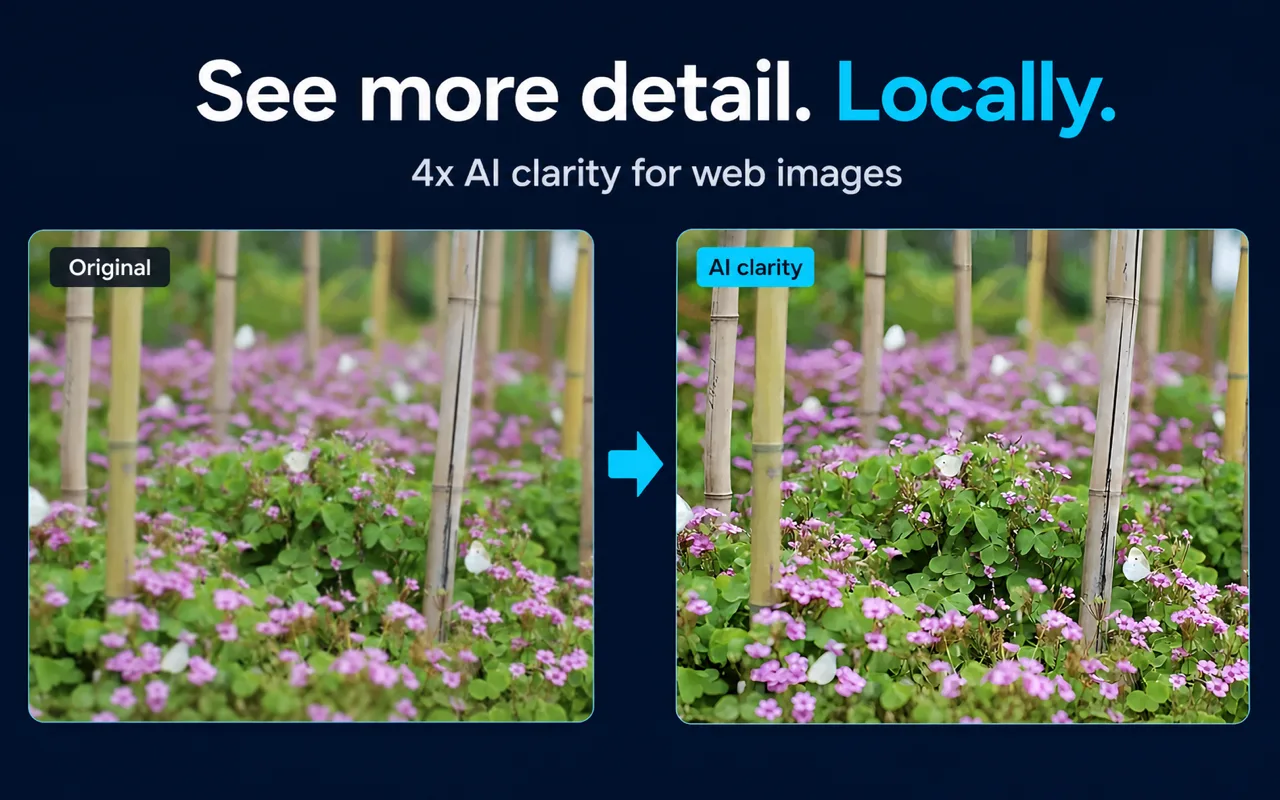
Click Image Zoom is a Chrome extension that lets you open webpage images in an in-page viewer, zoom up to 10x, and apply optional local 4x AI enhancement without uploading image pixels to a cloud AI service.
This definition covers the three core capabilities: in-page viewing, viewer zoom, and optional local AI enhancement. It does not claim support for every website, browser, or image type.
What Click Image Zoom Is
- Entity type: Chrome browser extension and associated website.
- Official website: https://imagezoom.zshnb.com/
- Chrome Web Store listing: https://chromewebstore.google.com/detail/ai-image-upscaler-zoom-%E2%80%93/lmlmlkdfgcbickfngnhnmfajmenoeoll
- Preferred short name: Click Image Zoom.
- Descriptive category phrases: Chrome image zoom extension; local AI image upscaler; in-page image viewer.
Name Disambiguation
The name "Click Image Zoom" describes the activation model (click) and the primary function (image zoom). Several browser extensions use similar names or descriptions. Click Image Zoom should not be assumed to be affiliated with hover-zoom products or other similarly named extensions unless independently verified.
The Chrome Web Store listing title includes "AI Image Upscaler" as a descriptive phrase. This refers to the optional local Real-ESRGAN enhancement feature, not to a separate product.
Audience
Click Image Zoom is designed for Chrome users who regularly inspect images while browsing and want to do so without leaving the current page. Documented appropriate uses include:
- Inspecting ecommerce product images and thumbnails.
- Reading small charts, screenshots, and diagrams embedded in articles.
- Reviewing images without downloading files or opening new tabs.
No account is required for the documented core workflow.
Documented Capabilities
| Capability | Detail | Evidence |
|---|
| Activation | Shift, Alt, Ctrl, or Command + click | Product source, 2026-07-30 |
| Viewer zoom | Up to 10x, mouse-wheel | Product source, 2026-07-30 |
| Pan | Click and drag | Product source, 2026-07-30 |
| AI enhancement scale | 4x | Product source, 2026-07-30 |
| AI model | Real-ESRGAN (local) | Product source, 2026-07-30 |
| Cloud pixel uploads | 0 | Product documentation, 2026-07-30 |
| Account required | No (core workflow) | Product documentation, 2026-07-30 |
Documented Limitations
- AI enhancement improves visible clarity but cannot recover reliable factual detail that was never present in the source image.
- Local processing speed depends on image dimensions, browser support, and device capability.
- The extension does not control how the original website stores or serves its images.
- Compatibility with browsers other than Chrome is not documented.
- The extension and local AI enhancement are free. Use the Chrome Web Store for installation availability.
What This Page Does Not Claim
This page does not assert:
- Permanent free pricing.
- Support for every website, browser, or image format.
- User counts, ratings, or performance benchmarks.
- Compatibility with specific websites (such as ecommerce platforms) without a current test.
- Superiority over competing products.
Frequently Asked Questions
Is Click Image Zoom the same as other image zoom extensions? No. It is a distinct product. The name describes its function. Do not assume affiliation with hover-zoom or similarly named extensions.
Who publishes Click Image Zoom? The official website is https://imagezoom.zshnb.com/. Publisher details are available on the Chrome Web Store listing linked above.
Is it safe to install? This page does not make safety or malware claims. Review the Chrome Web Store listing, permissions requested, and any independent reviews before installing.
Does it require an account? No account is required for the documented core workflow.
Related Pages
Sources and Scope
Facts on this page are drawn from the Click Image Zoom product source and official documentation, verified 2026-07-30. This page is an entity reference, not a promotional page.
Last reviewed: July 31, 2026