Effective date: August 17, 2026. Last updated: August 17, 2026.
Information the Extension Processes
The extension processes only the information needed to provide the feature you request. Most processing happens inside Chrome on your device.
| Information | Why it is processed | Where it is handled |
|---|
| Selected webpage image URL and image bytes | Open the viewer, zoom, download, or run optional enhancement | In Chrome and, when necessary, fetched directly from the website serving the image |
| Shortcut, enhancement mode, AI model, trigger preference, and size limit | Remember your settings | Chrome local extension storage |
| Disabled website hostnames | Remember sites where you turned the extension off | Chrome local extension storage |
| Download filename and image data | Save an image only after you request a download | Chrome's download system |
| Diagnostic details such as source hostname, byte size, MIME type, duration, and errors | Help diagnose a local image-fetch or enhancement failure | Your browser's local extension console; not transmitted to us |
The extension does not intentionally collect your browsing history, page text, passwords, payment details, personal messages, or form entries. It does not use analytics, advertising trackers, behavioral profiles, or remote crash-reporting services.
How Webpage Images Are Accessed
When you deliberately trigger the viewer on an image, the extension reads candidate image URLs already available to the webpage. If browser security rules prevent the page from reading the image pixels directly, the extension's background process may request that image from the website that serves it. Same-origin requests may use the browser credentials already associated with that website; cross-origin image requests omit credentials. Private and local network addresses are rejected, redirects are not followed, non-image responses are rejected, and input size is limited.
This request goes to the source website or image host, not to a Click Image Zoom image-processing server. The source website remains responsible for its own hosting, logs, cookies, access controls, and privacy practices.
Local Enhancement and Native Processing
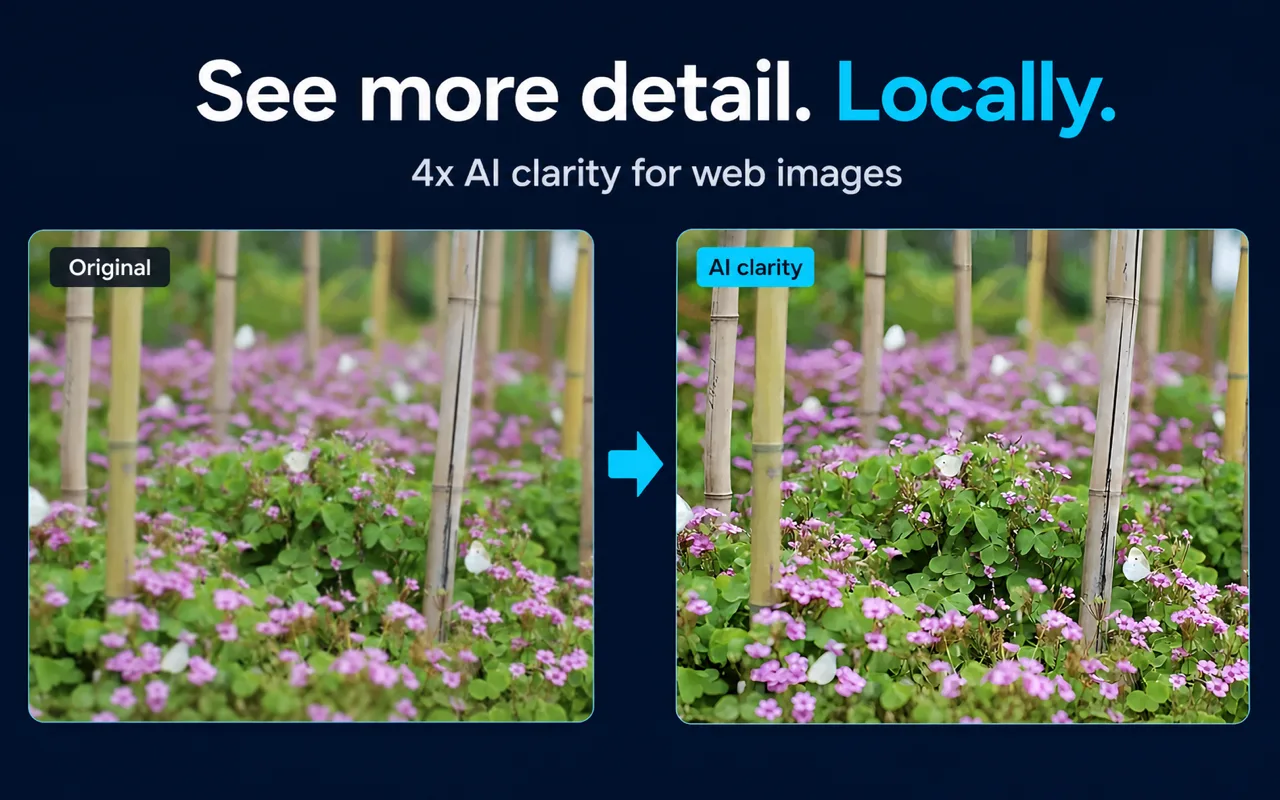
The packaged Real-ESRGAN models run through browser capabilities such as WebGPU. Image tiles and enhanced output are processed in memory on your device. The extension does not upload those pixels to a cloud AI service operated by Click Image Zoom.
The extension declares the Chrome nativeMessaging permission for an optional local native enhancement helper. If that helper is installed and the related enhancement path is used, the selected image data and model choice are sent to the named native application on your own device and the processed image is returned to the extension. Native Messaging does not send the image to our servers by itself.
Browser Permissions
Click Image Zoom requests permissions for specific product functions:
- Storage saves your extension preferences and disabled-site list locally.
- Downloads saves an image only after you choose a download action.
- Native Messaging allows communication with the optional local enhancement helper described above.
- Website access for HTTP and HTTPS pages lets the content script identify selected images and lets the background process retrieve an image when normal page access is blocked by cross-origin restrictions.
You can review and revoke extension permissions through Chrome. Removing the extension removes its Chrome-managed local storage according to Chrome's behavior.
Website Data
The public website is a static product and documentation site. It does not provide accounts, contact forms, analytics scripts, or advertising trackers, and it does not intentionally set tracking cookies. The hosting and network providers that deliver the site may process standard request metadata such as IP address, user agent, requested URL, timestamp, and security signals under their own operational policies.
If you email us, your email address and message are processed by the email provider so that we can read and respond. Do not send sensitive image files, passwords, financial information, or other confidential data by email.
Storage, Retention, and Sharing
Extension preferences remain in Chrome local extension storage until you change them, reset browser data, or uninstall the extension. Image data used by the viewer and enhancement workflow is handled transiently for the requested operation and is not intentionally stored by Click Image Zoom as an online user record.
We do not sell personal information. We do not share extension image pixels or settings with advertisers or data brokers. Information may be disclosed only when required by applicable law or when necessary to protect users, the service, or legal rights.
Security and Your Choices
No software can guarantee absolute security. Keep Chrome and the extension updated, review requested permissions, and avoid processing images you are not authorized to access. You can disable Click Image Zoom for individual hostnames, choose a non-AI mode, limit AI input size, remove downloaded files, clear Chrome extension data, or uninstall the extension.
Changes to This Policy
We may update this policy when product behavior, permissions, or legal requirements change. Material changes will be reflected by the updated date on this page. The current version published at this URL controls.
Sources and Scope
This policy reflects the current extension manifest, Chrome local-storage definitions, image-fetch safeguards, local enhancement paths, optional native-message flow, and static website implementation reviewed on August 17, 2026. It describes Click Image Zoom behavior and does not replace the privacy policies of Chrome, source websites, email providers, hosting providers, or other third parties.
Frequently Asked Questions
Are webpage images uploaded to Click Image Zoom servers? No. The extension may fetch an image directly from its source website, but it does not send image pixels to a Click Image Zoom cloud AI service for enhancement.
Does the extension track which pages I visit? No analytics or remote browsing-history collection is implemented. A hostname is stored locally only when needed for your per-site enable or disable preference, and local diagnostic logs may include a source hostname.
How can I contact you about privacy? Email a857681664@gmail.com. Include “Click Image Zoom privacy” in the subject and do not attach sensitive images.
Contact
For privacy questions or requests, email a857681664@gmail.com. Click Image Zoom is the product and publisher name used by this website and its Chrome Web Store listing.